

Bring YCharts into
the AI you already use.
Securely connect your AI to YCharts and access portfolios, reports, and economic data using plain language, without opening YCharts.
Talk to Our TeamSkip the navigation. Just ask.
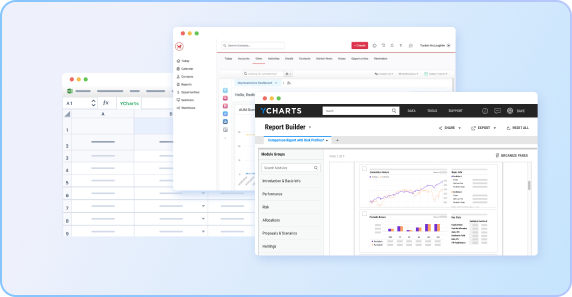
Before
Disconnected Platforms
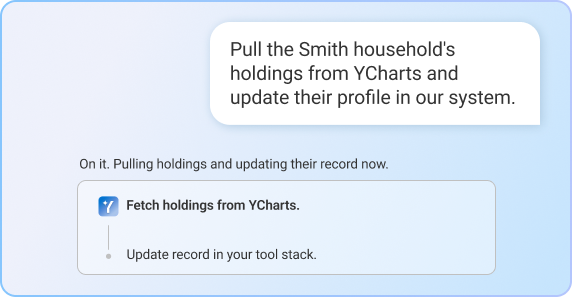
After
One Connected Ask
How do you connect your assistant to YCharts?
You connect your assistant to YCharts through its MCP server, no API key required. Just enable YCharts MCP in your AI tool and it can pull YCharts data on request.
AVAILABLE IN
-
ChatGPTComing Soon
-
Claude
-
Microsoft Copilot
What you can do with the YCharts MCP Server.
The MCP Server gives your assistant access to your core YCharts data and workflows. Once connected, you can:
Research and analyze investments
Pull fund, security, and economic data, build Fundamental Charts, and run screens, comparison tables, and timeseries analysis, all in one request.
Example: "Compare SCHD, VYM, and DGRO on yield, expense ratio, and Sharpe ratio, then chart 5-year total return."
Work with portfolios
Access portfolio holdings and analytics, and create or update model portfolios.
Example: "Show me the holdings in my Growth model portfolio and flag any position over 8%."
Create reports
Generate YCharts PDF reports through natural-language requests.
Example: "Create a one-page fact sheet for my Balanced Growth portfolio."
Manage YCharts content
Access and manage watchlists, security lists, and other supported YCharts content.
Example: "Add NVDA, AMD, and AVGO to my Semiconductors watchlist."
Built for the way your firm works.
Research in seconds, not sessions.
Data, screens, comparisons, and analysis, one prompt, instant answer.
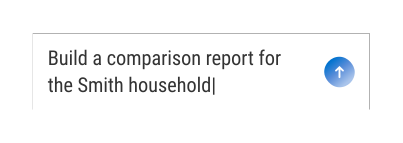
Work where you already are.
No more switching tabs to pull data, just ask, right inside your workflow.
Question to deliverable, in one step.
Reports, model portfolios, and watchlists, all in the same conversation.
FAQs
The YCharts MCP Server connects your AI assistant to your YCharts account, so you can research investments, work with portfolios, generate reports, and more in plain language.
The YCharts MCP Server currently works with Claude and Microsoft Copilot, with more AI assistants coming soon.
Your assistant can work with stock and fund data, economic indicators, model portfolios, watchlists, comp tables, screeners, and PDF reports. Some data may be excluded from MCP due to licensing constraints. Coverage may expand over time.
Each person connects with their own YCharts account, and access is based on their YCharts plan. Talk to our team about access for your firm.
Yes. The YCharts MCP Server uses OAuth authentication, so there's no API key to manage, and your assistant can only access what your YCharts account includes.
YCharts is SOC 2 Type I and II compliant, with client data encrypted at rest and in transit.